


A keyboard-first launcher for macOS
Keep your hands
on the keyboard.
Open apps, find files, calculate answers, and run Apple Shortcuts, all from your keyboard.
An early version of Conjuror. Features may change and you may encounter bugs.
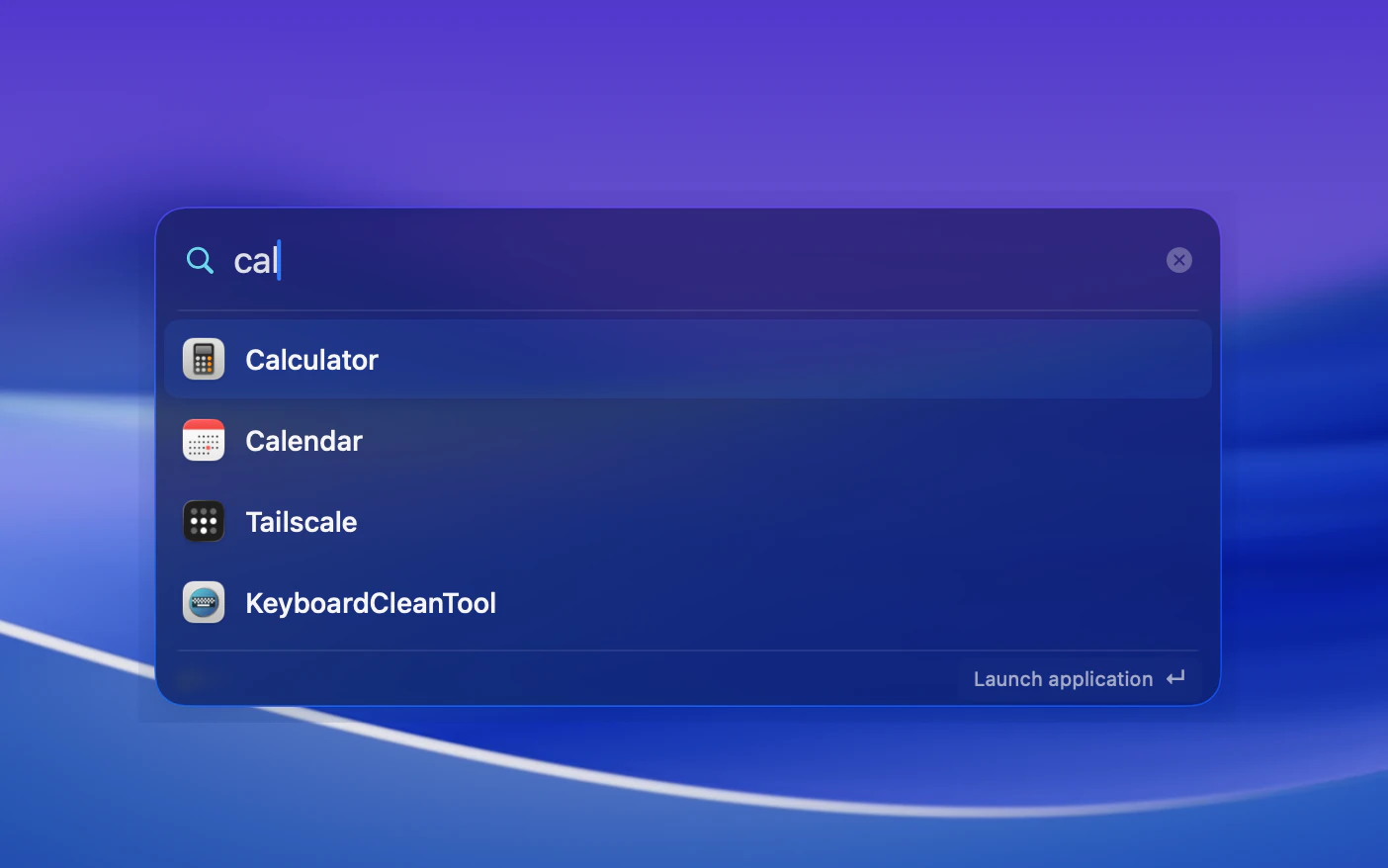
Press ⌥ Space, type an app, then Return to launch.
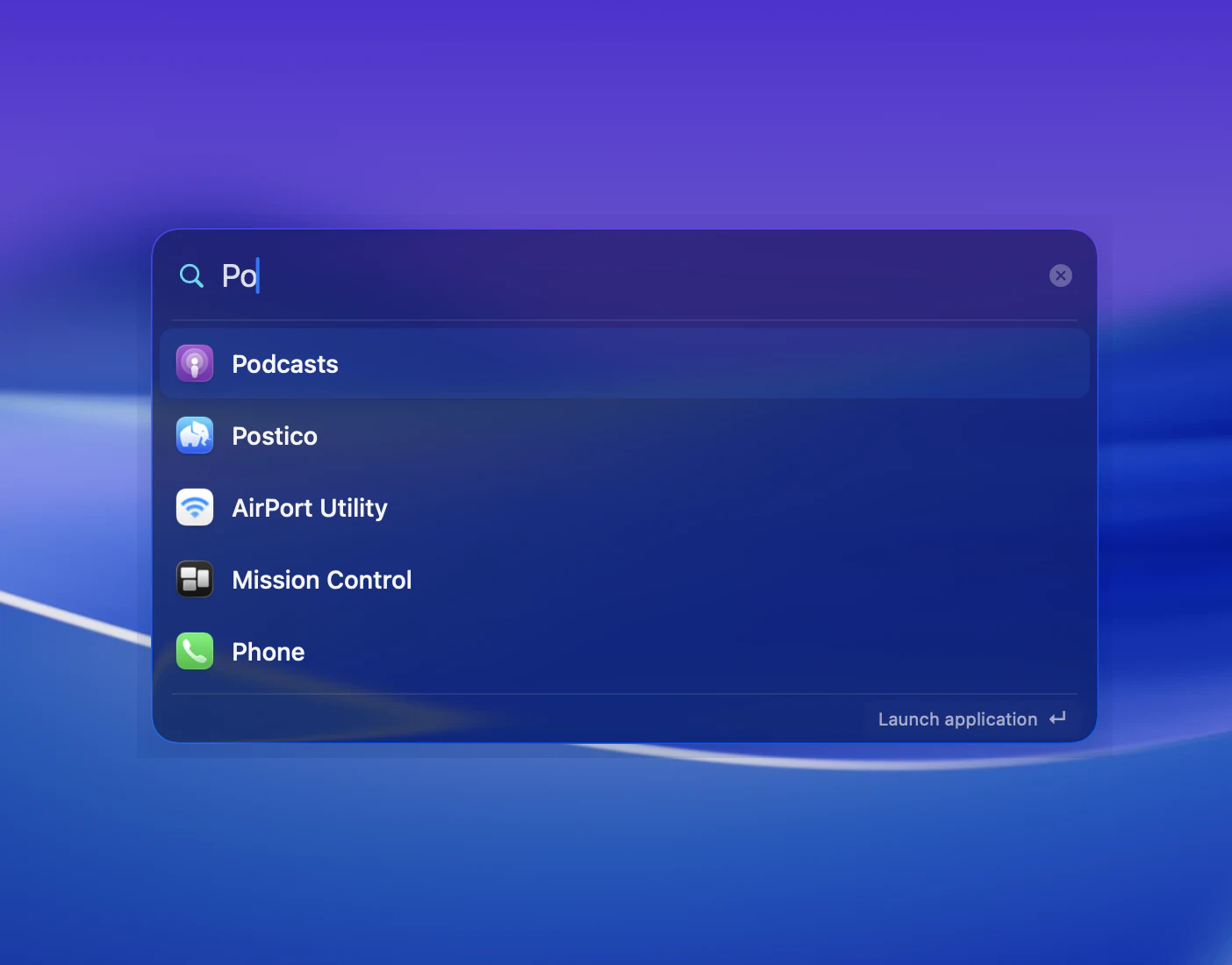
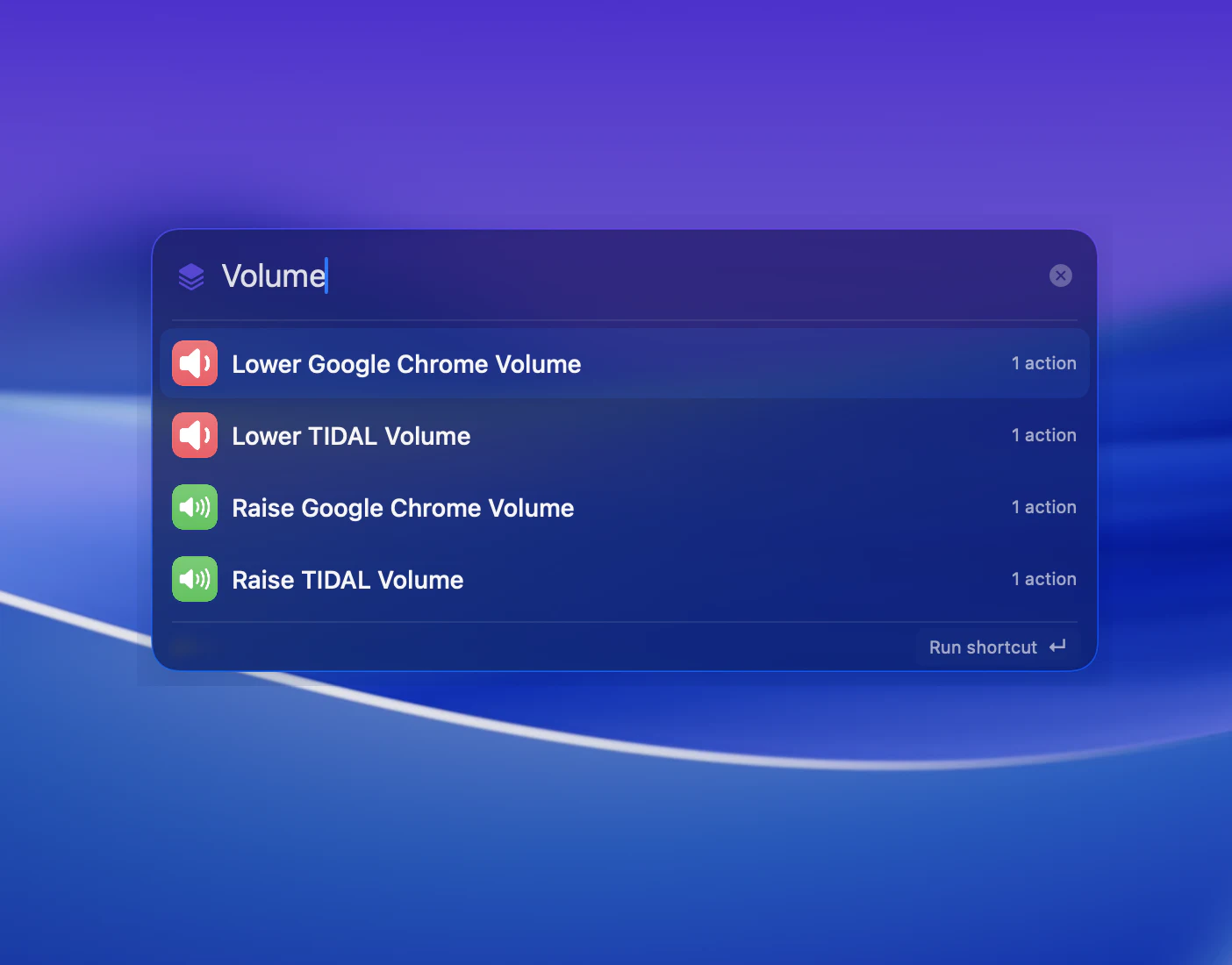
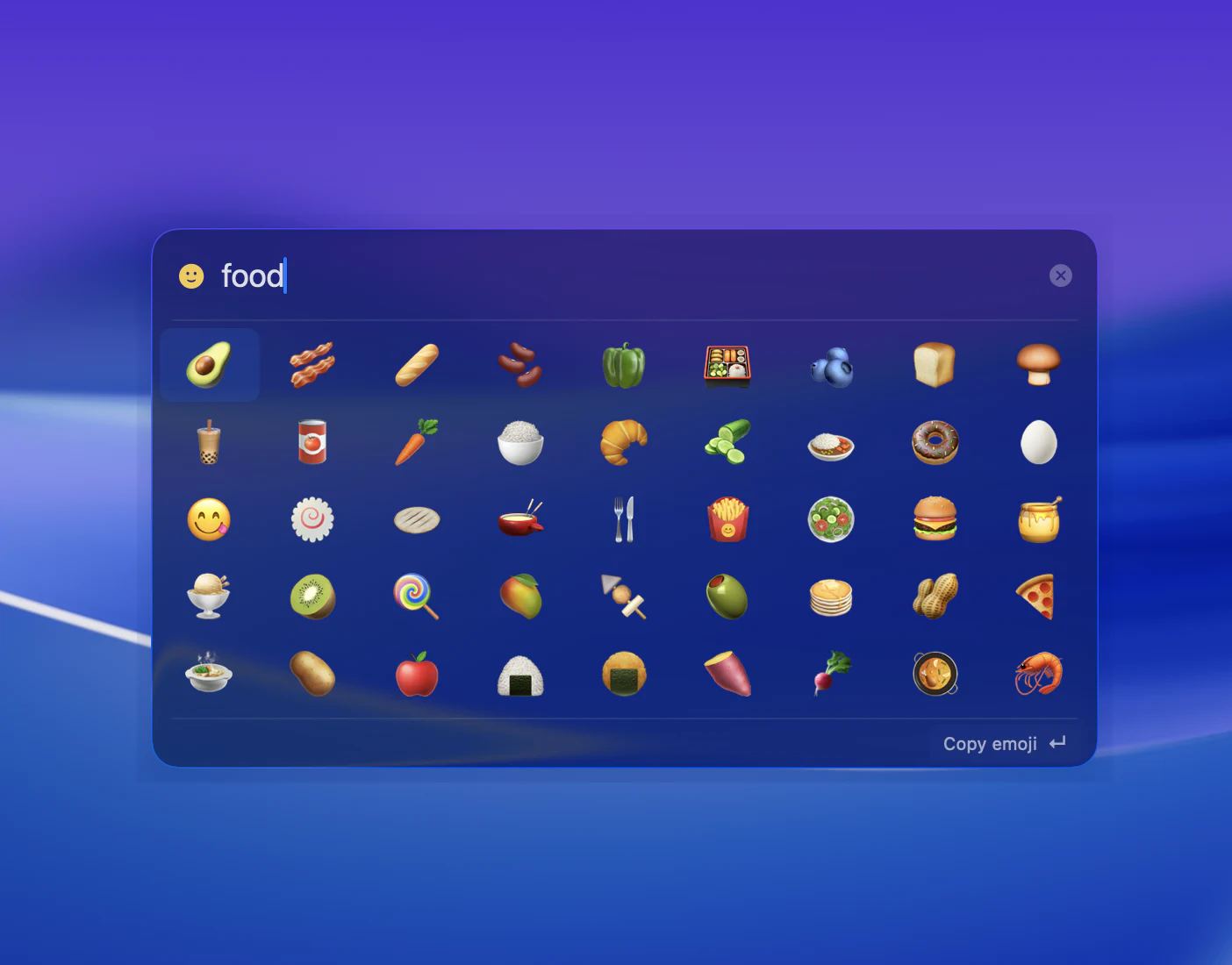
Four modes, one tab apart.
Open apps and System Settings, with recent launches helping to order similar matches. Press Tab to switch to Shortcuts, Emoji, or Files.
Choose a mode to preview
Your files.
A few keys away.
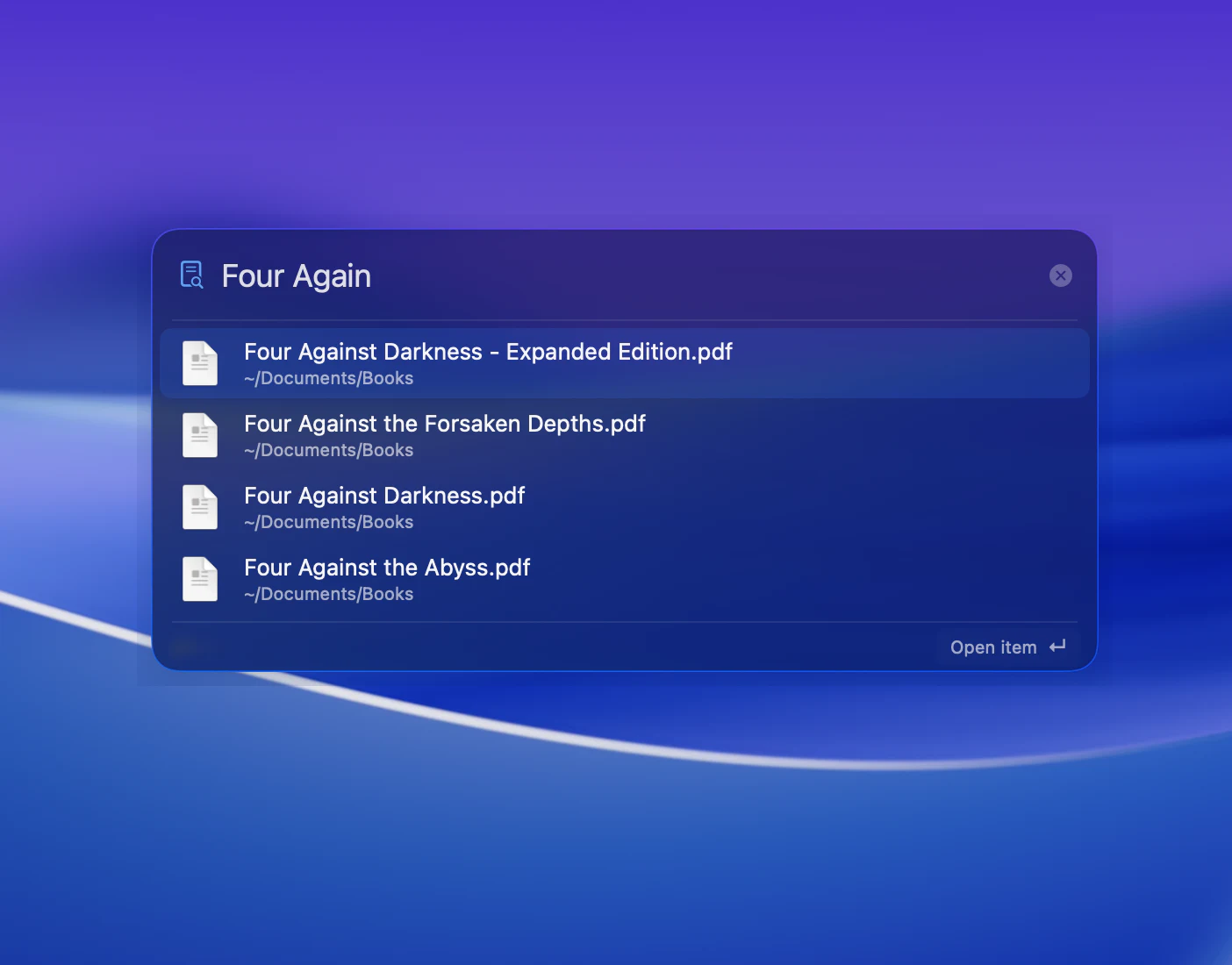
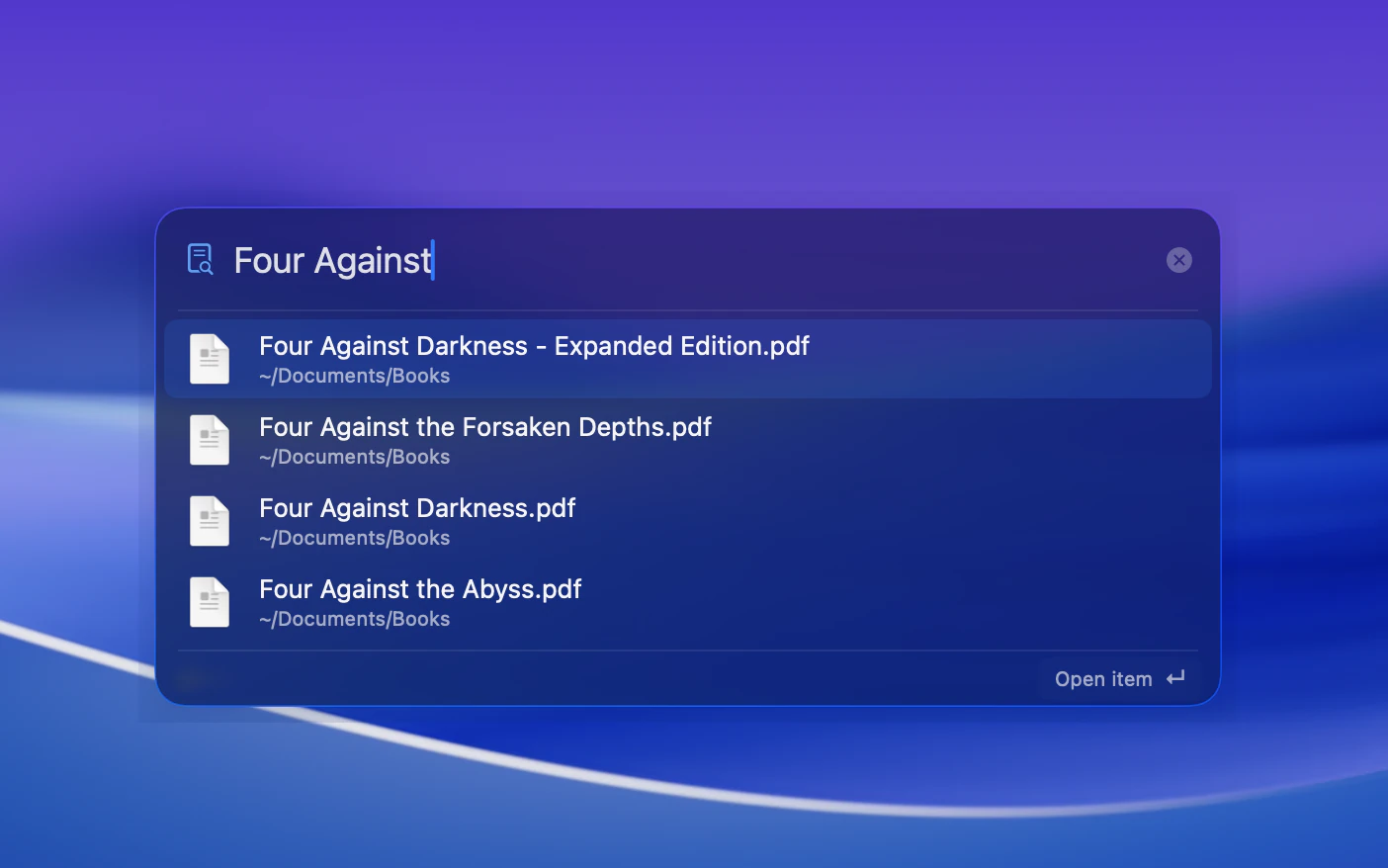
Find files without the exact filename. Type /, enter what you remember, and press Return to open a match from your Spotlight index.
Calculate.
Copy the result.
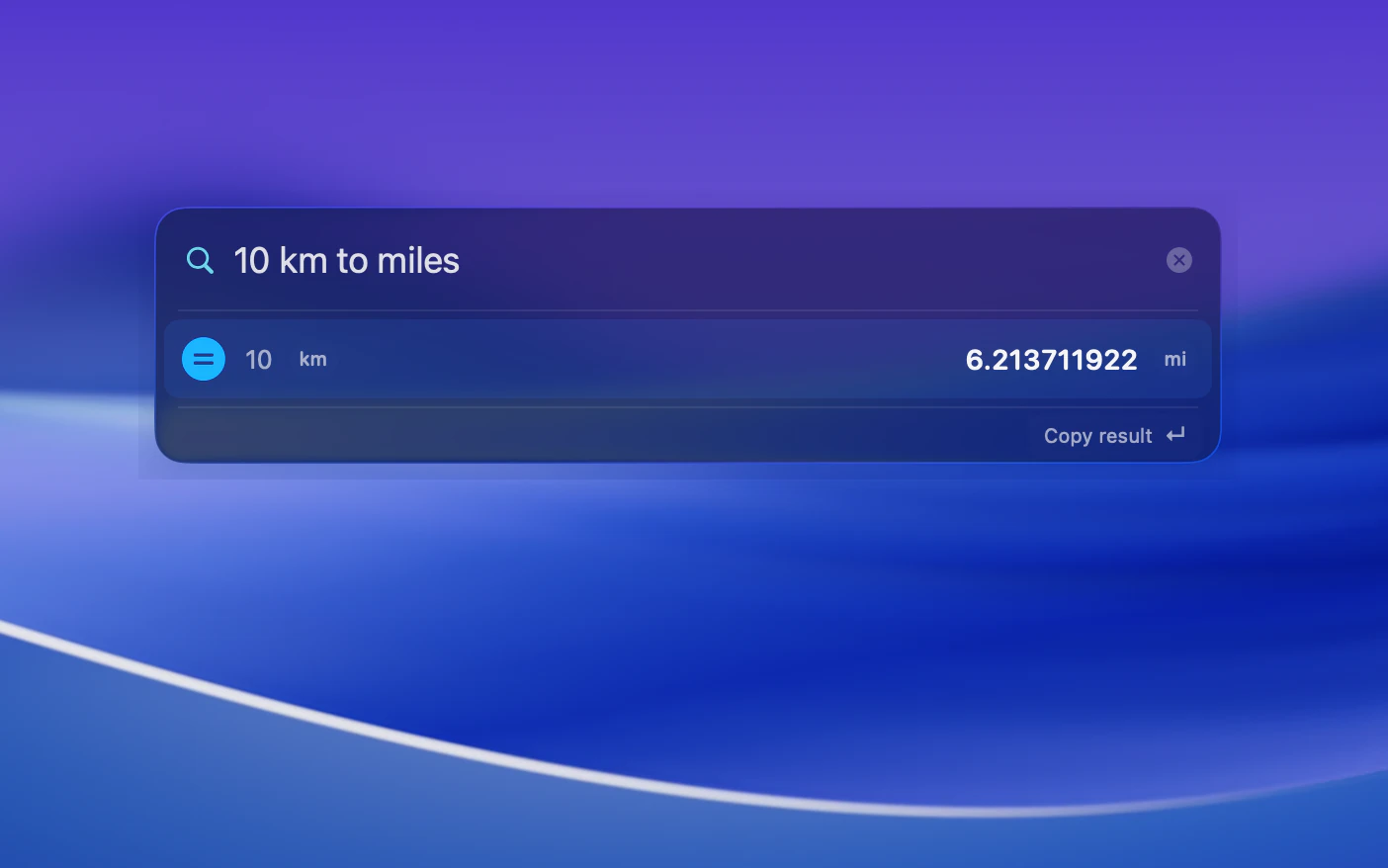
Work out a percentage or convert a measurement without opening another app. Type your calculation, then press Return to copy the answer and return to your previous app.
- Percentages
20% of 50→10- Distance
10 km to miles→≈ 6.21 mi- Temperature
30 °C to °F→86 °F
Think of an emoji.
Presto.
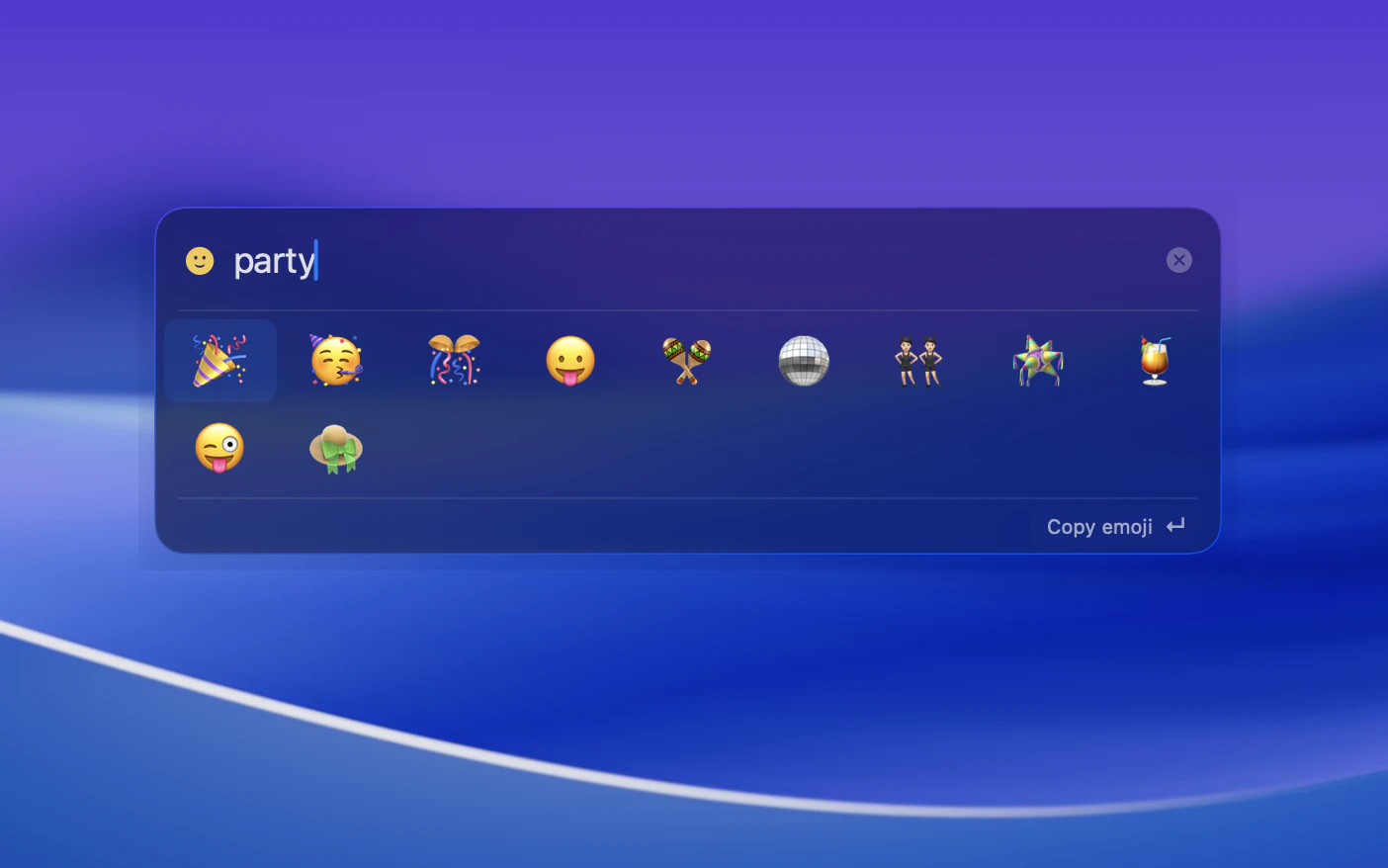
Find the emoji you mean with everyday words like “lol”. Type : to search, then press Return to copy and return to your previous app, ready to paste.
Shortcuts.
Up your sleeve.
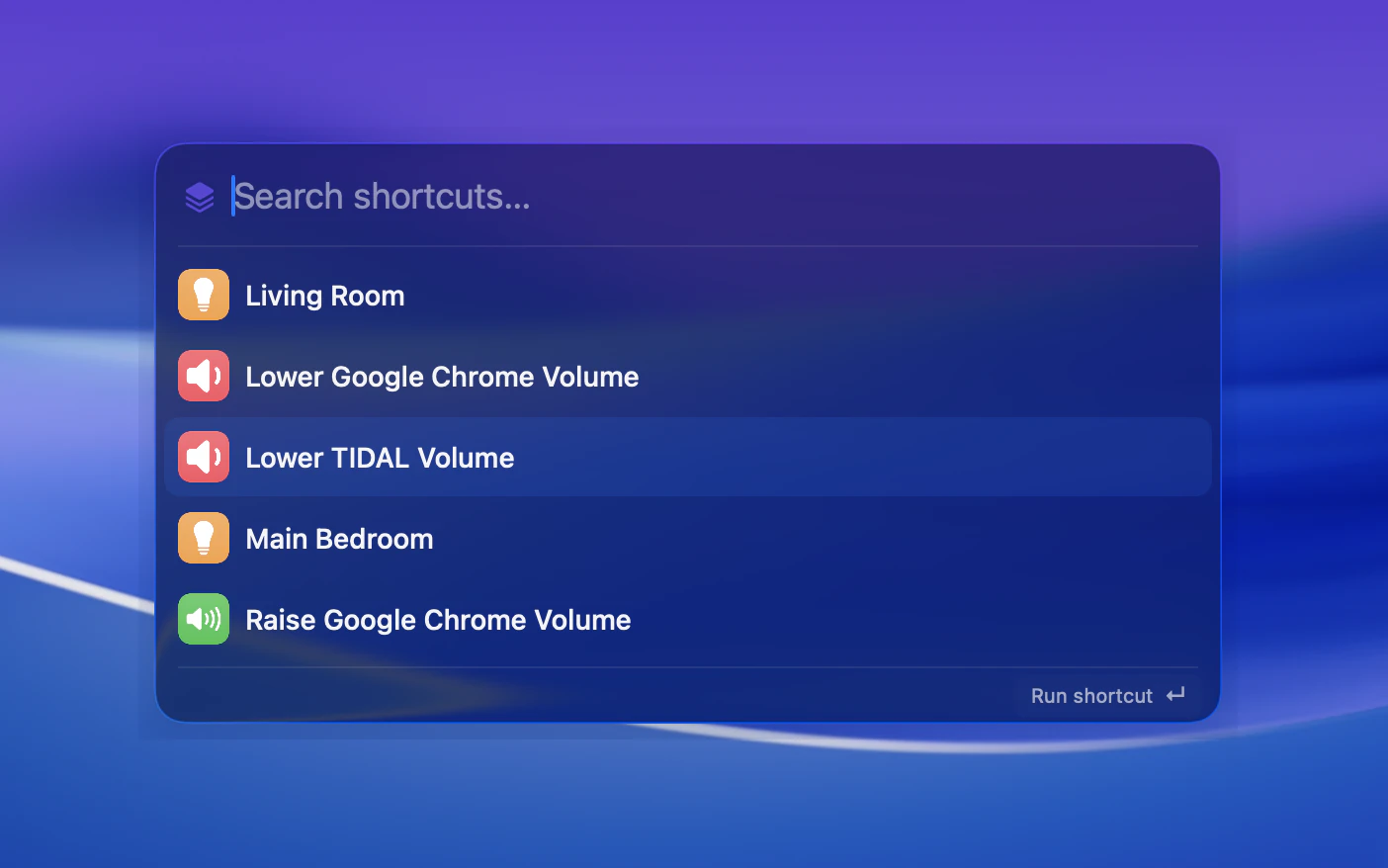
Keep your favourite Apple Shortcuts close at hand. Type >, search by name, and press Return to run.
Your searches stay on your Mac.
Find apps and files, choose emoji, and calculate answers locally. No account needed.
Currency conversion is optional. It downloads exchange rates, never your search text.
How Conjuror handles your dataLess pointing.
More doing.
Download alphaAn early version of Conjuror. Features may change and you may encounter bugs.